
On behalf of the Interchange team, I'm excited to introduce the Interchange MCP server and Agent Auth.
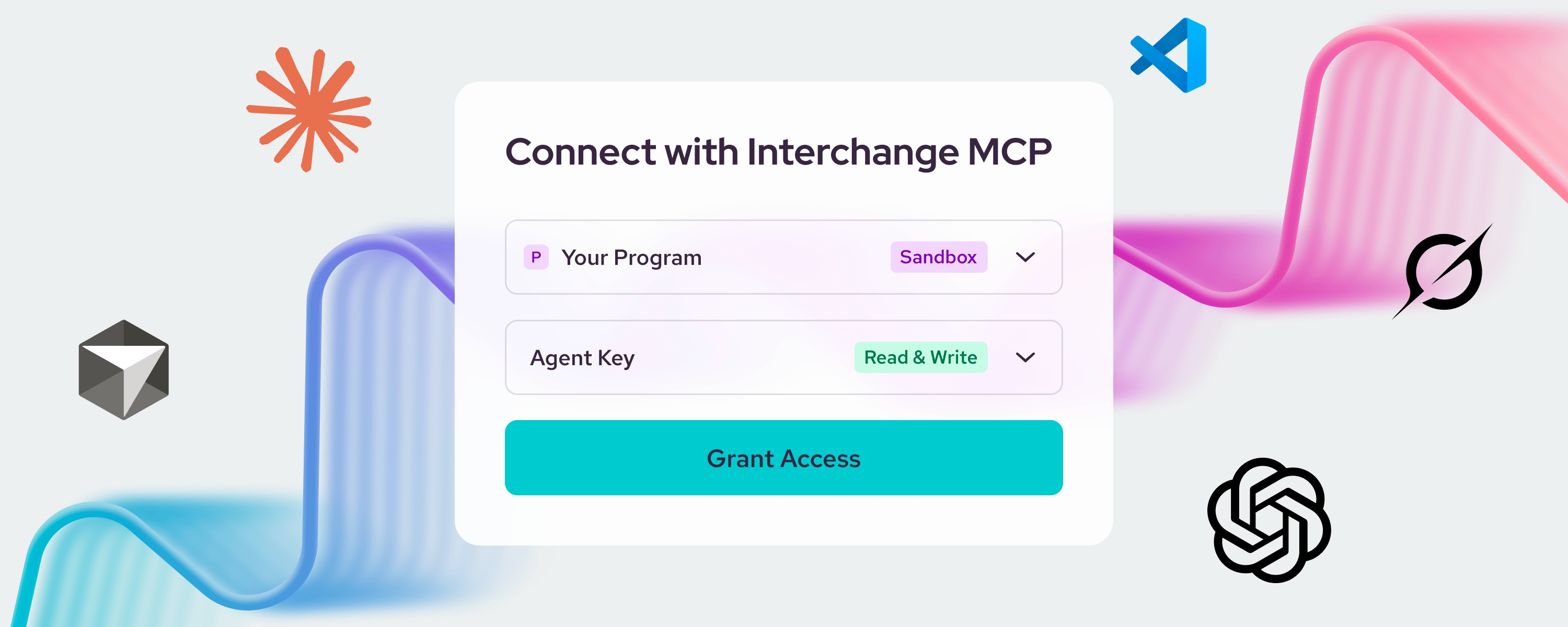
Starting today, a coding agent can read our documentation and call any method in our API in the Interchange sandbox, under a key you scope and a connection you approve in your browser. Create an Agent Key in the Interchange Portal, add the Interchange MCP server to your agent with one command, and grant access when the browser asks. Your agent can then open accounts, fund them, and place orders against the sandbox, and every token ever issued is on the record.
Our platform was built for this moment. We have run our own agents inside it since May, and clients have been connecting their AI tools to our docs and API over MCP for months to get their integrations done. What ships today is the front door: a standard way for your agent to sign in, a key that says what it may do, and an audit trail.
What your agent can reach
The MCP server has two kinds of tools: documentation tools and API tools.
The documentation tools give the agent an index of every guide and API package, full-text search, and the full text of any guide, package, or schema. It reads the same docs a developer does and finds the method it needs.
The API tools are twofold: one for queries and one for commands. Anything that reads is a query, and anything that changes state is a command. That split has been true of every method on our platform from the start, which is why two tools are enough to reach all of it. When we add a method to the API, your agent can call it the same day. There is no separate integration layer to update.
The command tool never retries on its own. Its instructions tell the agent to mint an ID before it acts, reuse that ID on any retry, and check the current state after a timeout. A timeout should never become a second trade.
What your agent is allowed to do
An Agent Key is created in the Portal in the Developer Dashboard, with a name and one of three access levels: Docs Only, Read Only, or Read & Write. The level is fixed when the key is created. A key for research cannot be widened into a key that trades. Finer scopes, down to a single endpoint and action, will be available in an upcoming release.
Connecting is the standard flow your agent already knows. Add the server, and the agent opens the Portal in your browser. Sign in, choose the program, choose the key, and grant access. Only the person who creates a key can approve an agent to use it, and only for one program. There are no client secrets to manage and nothing to register.
To cut an agent off, archive its key. Its refresh tokens are revoked on the spot.
What your agent did
Your agent's own token never reaches our API. For each call, the MCP server exchanges it for a token that lives sixty seconds and names the key, the user who approved it, and the client that made the request. The platform records that token's ID on the action. Every token issued is an event on the key: which user, which client, which scopes, and the method the server said it would call.
Until recently, agents acting in brokerage accounts was still a theoretical discussion. Now it is assumed, and the hard questions are the next ones: under whose authority an agent trades, within what limits, and how anyone shows afterward what happened. Those questions are in front of regulators now. We are not waiting for the answers to build the record they will need.
Agent Keys went from a design note to this post in five weeks, on a platform that already keeps the kind of records a clearing firm is examined on, so a client can put an agent to work today and still have everything to show later. Ask about any agent on the platform and we will pull up its key and read you the history.
The part we didn't have to build
Every API on Interchange is a typed, machine-readable schema. Reads and writes have been separate methods since day one. Every change of state is an event with a history you can replay. We wrote all of that ourselves, from the schema language up, and we made those choices long before anyone was talking about agents. Nothing here was bolted on. An agent on Interchange gets the API, the auth, and the record every other client gets — in addition to scoped keys, browser approval and per-call tokens. What it finds there is what it needs: typed tools, a clear line between looking and doing, and an audit trail.
Try it
The MCP server and Agent Keys run in the sandbox today. Request access to the Interchange Portal, create an Agent Key, add the server to your agent, and build your trading, investing and wealth management products in our sandbox.
Michael H. Giles
Founder & CEO